
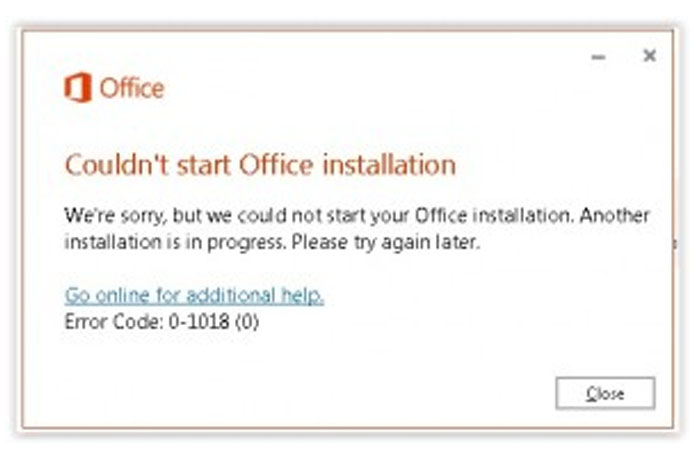
When you try to install Office you may get the following error message, or an error message that contains error code 0-1018:
- We’re sorry, but we could not start your Office installation. Another installation is in progress, please try again later.
Uninstall and reinstall Office
Use the Office uninstall support tool to completely uninstall Office from your computer and try reinstalling Office again.
- Click the button below to download and install the Office uninstall support tool
- Follow the steps below to download the uninstall support tool according to your browser.